How to check whether a GTA VI screenshot came from Rockstar
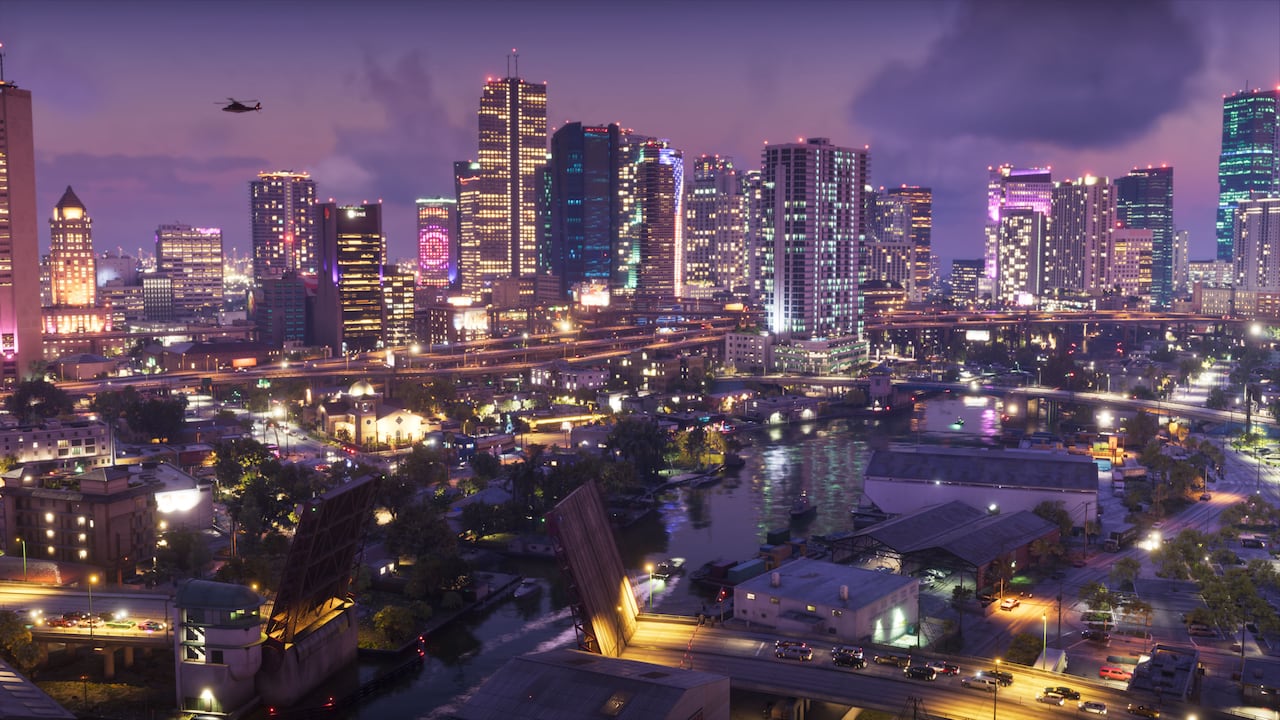
Start in Rockstar’s screenshot library and look for the image under its character or location. Check the edges and background details on the official version. A close crop, added logo or color filter can make a familiar screenshot look like a new release.
If you can match it, share the source along with the image name. If the match is uncertain, describe it as unverified. Finding a repost with a large following tells you where it circulated, but the original gallery is what establishes where it came from.