Set a controller baseline before your first GTA VI session
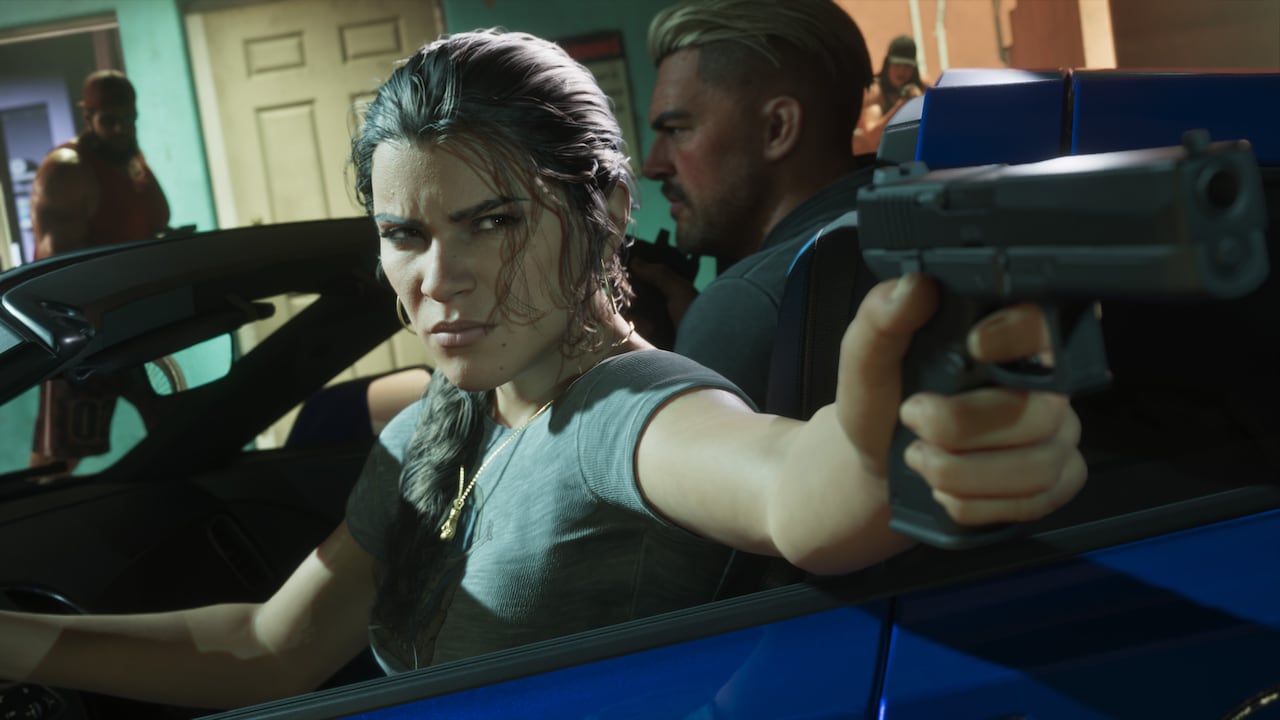
Rockstar says GTA VI integrates DualSense haptic feedback on PS5, with adjustments through accessibility settings. Once you get into the game, write down your starting settings before changing several things at once. A photo of the settings screen makes it easy to restore them.
If something feels off, change one option and try the same short sequence again. Use a quiet stretch for camera movement and ordinary driving. Give yourself enough time to tell the difference between an unfamiliar control and a setting you actually want to change.