Pick one GTA VI screenshot and try to find the same spot after launch
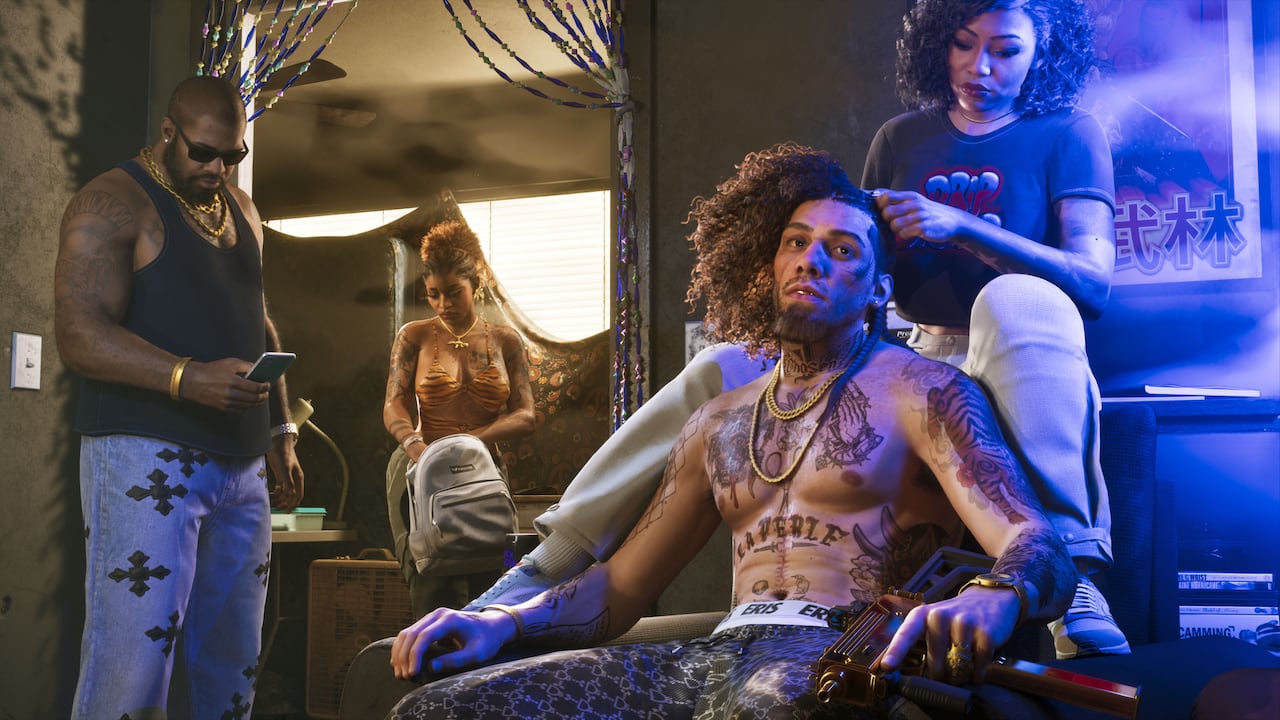
Open Rockstar’s launch gallery and choose a city image you’d like to recreate. Save the image title and note three things you could recognize while exploring. A roofline, a road curve and the shape of a sign make a better combination than the sky color, which can change with the time of day.
After launch, take one wide shot when you think you’ve found the spot. If the angle looks different, walk around before you write it off. Share the original gallery link and your own screenshot together so other fans can see which details helped you place it.